1.什么是web中间件?
Web 中间件是位于客户端(浏览器)和后端业务系统 / 数据库之间的一类服务器软件,它在整个网站架构里起到中间层的作用,主要负责接收、处理和转发 HTTP 请求。
2.nginx默认目录结构
/etc/nginx nginx -------各种配置的目录
/etc/nginx/conf.d nginx --------主配置文件
/etc/nginx/conf.d/default.conf -------子配置文件(网站)
/usr/sbin/nginx ------nginx命令
/usr/share/nginx/html nginx----------默认的站点目录,网站的 根目录,可以通过查看配置得知
/var/log/nginx nginx-----------日志:访问日志,错误日 志,跳转日志
3.nginx配置文件详解
/etc/nginx/nginx.conf 主配置文件
/etc/nginx/conf.d/xxxxx 子配置文件
主配置文件包含会加载子配置文件----> incode 功能
3.1.nginx主配置文件
user nginx;   #nginx所属用户
worker_processes auto;  #工具人进程数量,根据系统核心数设置
pid /run/nginx.pid;   #pid文件
include /etc/nginx/modules-enabled/*.conf;

events {
	worker_connections 768;   #工具人进程可以处理多少个连接
	# multi_accept on;
}

http {

	##
	# Basic Settings
	##

	sendfile on;   #启用高效文件传输模式。
	tcp_nopush on;
	types_hash_max_size 2048;
	keepalive_timeout 65;	 #保持长连接的超时时间。
	# server_tokens off;

	# server_names_hash_bucket_size 64;
	# server_name_in_redirect off;

	include /etc/nginx/mime.types;
	default_type application/octet-stream;

	##
	# SSL Settings
	##

	ssl_protocols TLSv1 TLSv1.1 TLSv1.2 TLSv1.3; # Dropping SSLv3, ref: POODLE
	ssl_prefer_server_ciphers on;

	##
	# Logging Settings
	##

	access_log /var/log/nginx/access.log;  #访问日志
	error_log /var/log/nginx/error.log;    #错误日志

	##
	# Gzip Settings
	##

	gzip on; #启动gzip压缩

	# gzip_vary on;
	# gzip_proxied any;
	# gzip_comp_level 6;
	# gzip_buffers 16 8k;
	# gzip_http_version 1.1;
	# gzip_types text/plain text/css application/json application/javascript text/xml application/xml application/xml+rss text/javascript;

	##
	# Virtual Host Configs
	##

	include /etc/nginx/conf.d/*.conf;
	include /etc/nginx/sites-enabled/*;
}


#mail {
#	# See sample authentication script at:
#	# http://wiki.nginx.org/ImapAuthenticateWithApachePhpScript
#
#	# auth_http localhost/auth.php;
#	# pop3_capabilities "TOP" "USER";
#	# imap_capabilities "IMAP4rev1" "UIDPLUS";
#
#	server {
#		listen     localhost:110;
#		protocol   pop3;
#		proxy      on;
#	}
#
#	server {
#		listen     localhost:143;
#		protocol   imap;
#		proxy      on;
#	}
#}
2.2. nginx 子配置文件
server {
  listen 80;  #监听80端口
  server_name blog.lxb689.top;  #网站的域名
  root /app/code/; #网站的站点目录
  access_log /var/log/nginx/blog.lxb689.top_access_log;  #网站访问日志位置
  error_log  /var/log/nginx/blog.lxb689.top_error_log;    #网站错误日志位置
  location / {    #location用来匹配用户的http请求的uri
  index index.html;
  }
}

#一个server相当于一个网站
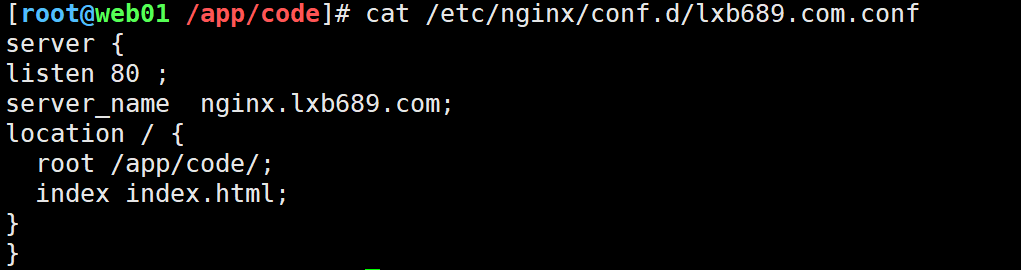
2.2 利用nginx 部署静态网站
windows下配置host解析
10.0.0.7 nginx.lxb689.com
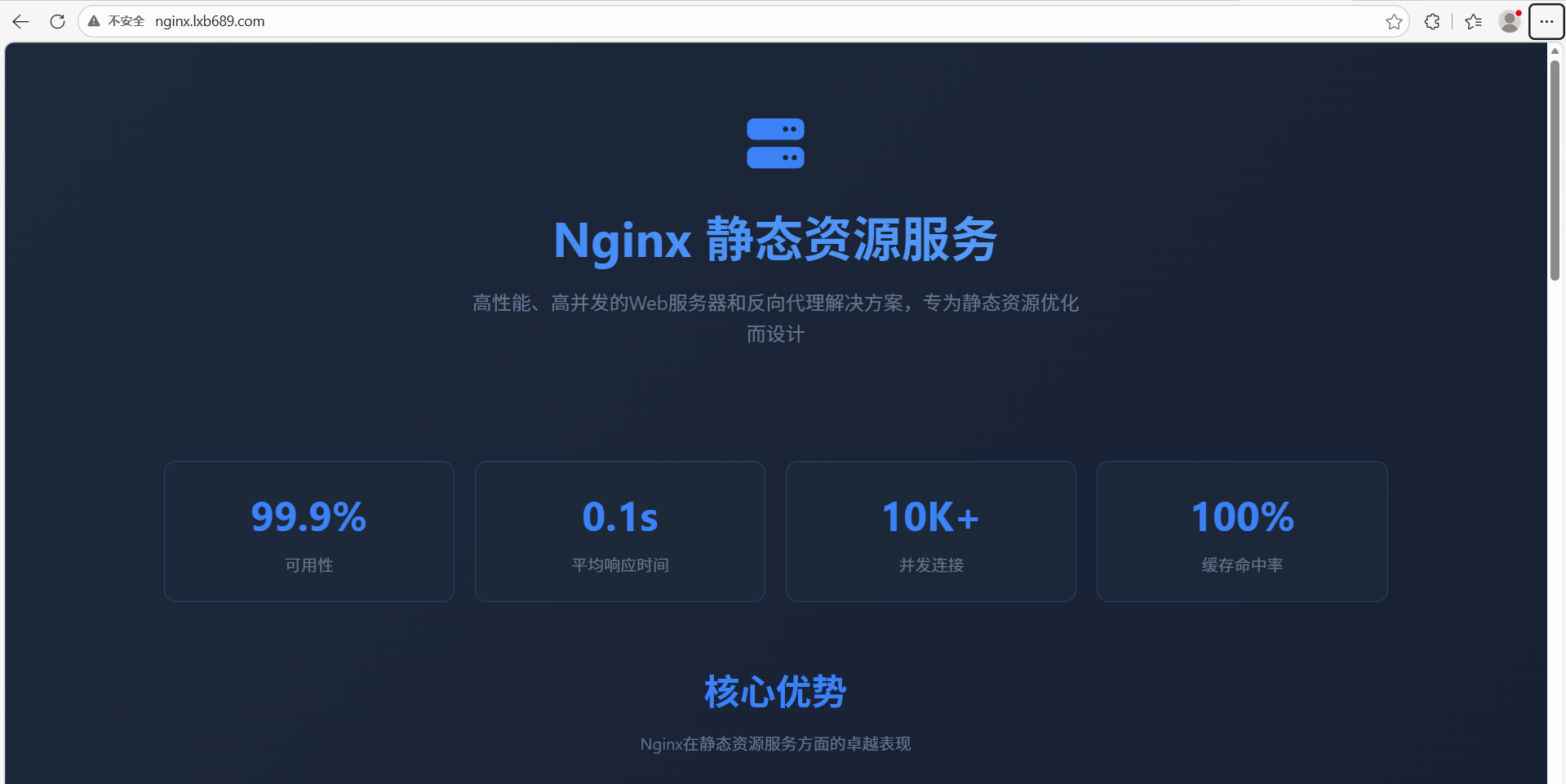
浏览器访问

文章评论